

Every skill, one step at a time.
Plain-language guides to devices and new pastimes, written in large, clear steps with no jargon.
Own one of our books? Register the code inside for free bonus content.
Register your bookOur books

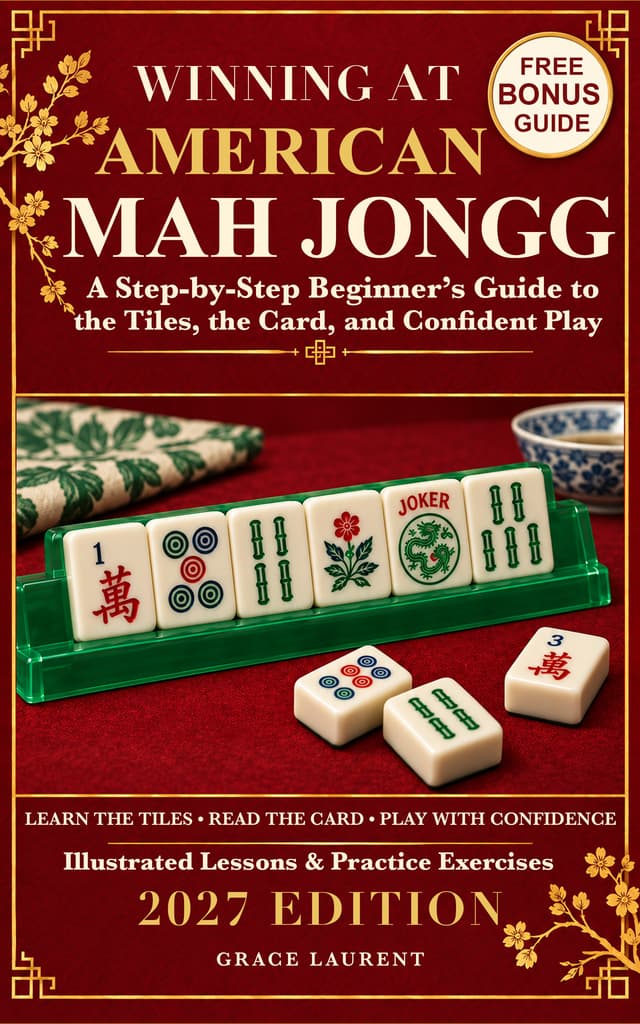
Winning at American Mah Jongg
by Grace Laurent
Stop wondering what to do with your tiles. Start understanding the game. The tiles look unfamiliar. The card seems crowded with numbers and colors. Everyone else appears to know exactly what to pass, call, or discard. You can learn American Mah Jongg one clear step at a time. In Winning at American Mah Jongg, Grace Laurent takes you from recognizing your first tiles to making thoughtful choices at the table. Written for absolute beginners, this illustrated guide explains the game in plain language, with practical examples that help you understand both what to do and why. Build your skills from the first deal onward Recognize the tiles: get comfortable with Dots, Bams, Craks, Winds, Dragons, Flowers, and Jokers. Make sense of the card: learn how its numbers, colors, symbols, and hand requirements fit together. Handle the setup and Charleston: follow the deal, the passing order, and the choices that shape your starting hand. Know when to call: understand exposures, Joker exchanges, concealed hands, and the moment a discard can help you. Think beyond your own rack: read discards and exposures, recognize risky tiles, and decide when to change direction. Learn by doing: work through a game move by move, tackle short quizzes and tile exercises, and check your answers. A guide you can keep using at the table Return to chapter quick references, a tile-reference chart, scoring guidance, common beginner mistakes, table etiquette, a glossary, and a situation index whenever you need a reminder. Solo-practice ideas help you keep learning between games. The lessons focus on understanding how the game works and how to read a changing yearly card. The book’s original practice card is a teaching aid; the current official National Mah Jongg League card is sold separately. This is an independent guide, not an official League publication. Open the book, get to know your tiles, and take your next seat at the table with greater confidence.

iPhone 18 for Seniors
by Anchorstone Press
Feel more comfortable using your iPhone, one everyday task at a time... Want to call family, send a photo, or find your way home—but feel unsure about which button to tap? A new phone can be useful without feeling familiar. You deserve clear instructions, time to practice, and explanations that make sense. iPhone 18 for Seniors by Alex Whitmore offers patient, step-by-step guidance for using your iPhone 18, iPhone 18 Pro, or iPhone 18 Pro Max. Whether this is your first smartphone, you are replacing an older iPhone, or you are moving from Android, you can begin with the lessons that fit your situation. Learn the things you want to do every day: Set up your phone and bring your information along. Connect to Wi-Fi, understand your accounts, transfer your information, and check that important items arrived. Make your phone easier to see, hear, and use. Adjust text size, display settings, sound, and touch controls to suit your comfort. Stay connected with people who matter. Make calls, save contacts, use voicemail, send messages, and practice FaceTime video calls. Enjoy your photos. Take pictures, find them again, make simple edits, and share the right photo with the right person. Put useful everyday tools to work. Browse websites, send email, follow directions, manage appointments, create reminders, and scan papers into Notes. Build safer habits. Recognize suspicious requests, review app permissions, use passcodes and passwords, and prepare Find My before you need it. Know what to try when something goes wrong. Work through common problems with sound, Wi-Fi, charging, storage, and missing information—and learn when to ask for help. A guide you can return to whenever you need it, this book contains clear illustrations, numbered instructions, plain-English explanations, and practice activities help you work through one task at a time. A glossary explains unfamiliar terms, while the index helps you return to a useful lesson without reading the whole book again. Companion resources are included. The book provides access instructions for a downloadable Large Print Companion Pack with a full-color visual companion, quick-reference sheets, a comfort-settings checklist, a seven-day practice workbook, troubleshooting and scam-response guidance, and a new-phone transfer checklist. You do not have to learn every feature to get more from your phone. Start with one useful task, practice at your own pace, and build skills you can use every day. Keep iPhone 18 for Seniors beside you and take your next step toward more confident, independent phone use!

Mead Making Bible for Beginners
by Zane Winscott
Turn honey into liquid gold from your very first batch with step-by-step, no-fail recipes and techniques. This beginner's guide walks you through every stage of the craft so you can brew delicious mead with confidence and ease, no prior experience required. The ultimate starting point for mastering one of history's oldest drinks.

Windows 11 for Seniors
by Anchorstone Press
Take the frustration out of your PC with this friendly, full-color guide built specifically for older adults. Large, easy-to-read print and step-by-step screenshots walk you through exactly what to click, written in plain English with zero tech experience assumed. Learn only what you need, when you need it, and get the most out of Windows 11 without the overwhelm.
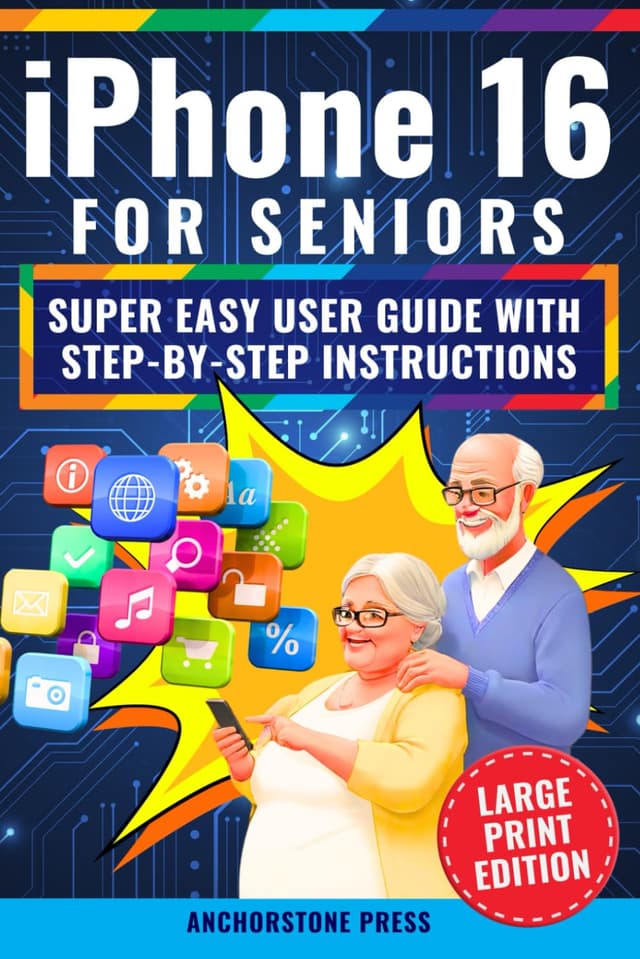
iPhone 16 for Seniors
by Anchorstone Press
Go from confused to confident with your iPhone 16, whether you're a first-time user or upgrading from an older model. Clear steps, large print, and super easy instructions are designed specifically for older adults who want to take control of their smartphone. Get the most out of your iPhone without the frustration.

MacBook User Guide for Seniors
by Anchorstone Press
A patient, plain-English companion written specifically for older adults who want to use their MacBook with confidence instead of frustration. From video calls with family to managing email, browsing safely, and organizing photos, every task is broken into simple step-by-step instructions with easy explanations and helpful hacks — no technical jargon, no assumptions.